7 Best Appointment Scheduling App for Freelancers in 2026

You've got a spreadsheet open, a dozen back-and-forth emails trying to find one free slot, and a client who never received the reminder. The appointment eventually lands on your calendar, but the contact record stays elsewhere, the follow-up lives in your memory, and the invoice waits in another tool.
That's why choosing the best appointment scheduling app isn't only about the booking page. The true test starts after someone books. Does the appointment connect to the client, deal, follow-up, and invoice? Can a solo operator set it up quickly? Does the price match the features you'll truly use?
This list compares seven tools by usable value, setup speed, and CRM workflow fit. It includes focused schedulers such as Calendly, service platforms such as Acuity Scheduling, and CRM-led scheduling through Micro CRM. The right choice depends on whether you're managing a small client list or coordinating packages, payments, resources, and teams.
Table of Contents
- 1. Micro CRM
- 2. Calendly
- 3. Acuity Scheduling
- 4. SavvyCal
- 5. Cal.com
- 6. SimplyBook.me
- 7. Zoho Bookings
- Top 7 Appointment Scheduling Apps, Feature Comparison
- Pick the Scheduler That Fits How You Work With Clients
1. Micro CRM
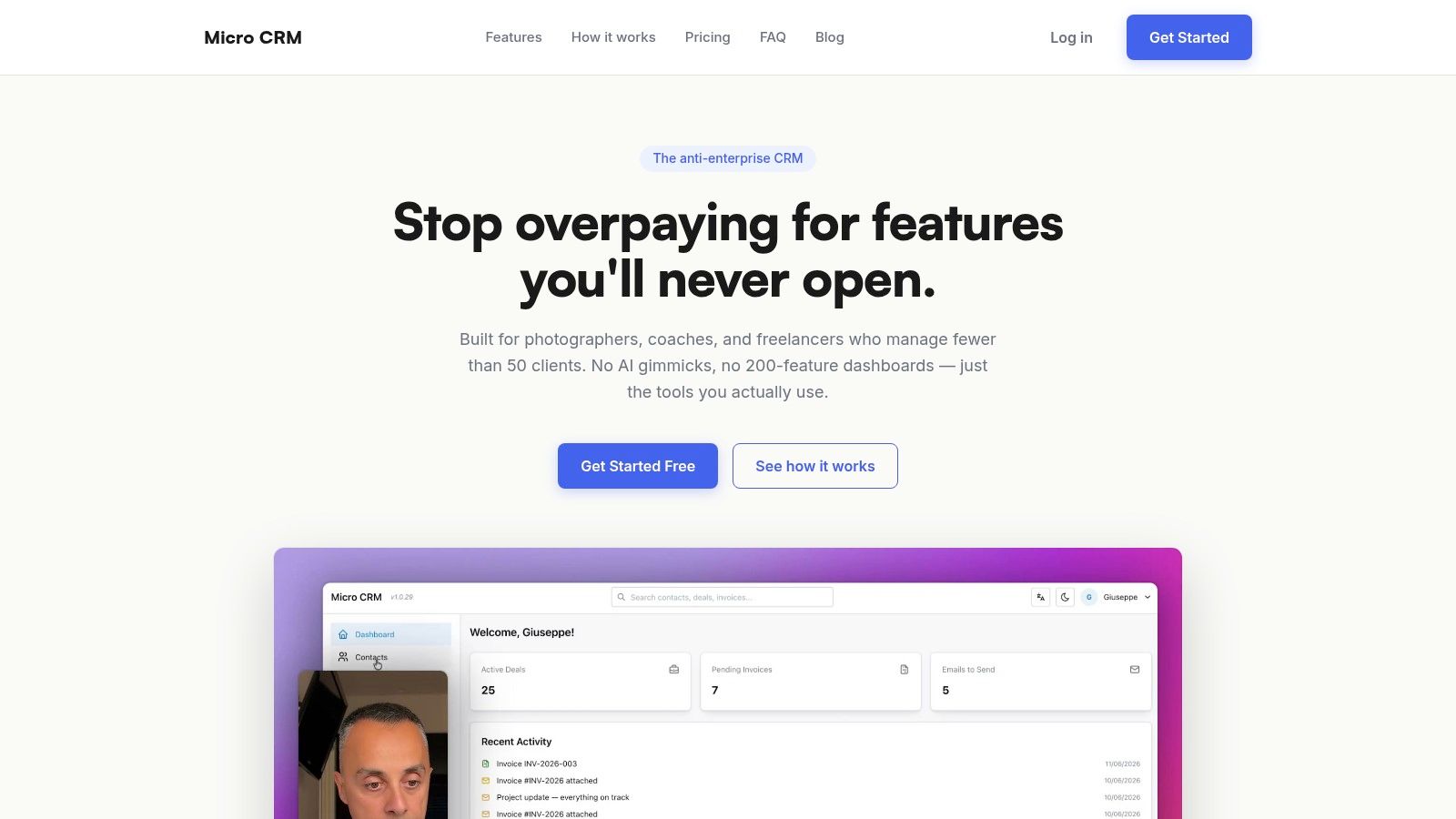
Micro CRM is the strongest fit when your booking calendar needs to sit beside your client records, deals, invoices, and follow-ups. It's designed for freelancers, consultants, photographers, independent designers, solo entrepreneurs, and small agencies managing a modest client base. Instead of adding another specialist tool, you can keep the booking and the work that follows it in one lightweight workspace.
The calendar handles appointment scheduling and availability, while the CRM stores the client history and deal stage. The Kanban pipeline gives you a visual view of active opportunities. When the appointment leads to paid work, you can create a multi-currency invoice as a PDF and send it by email. Templated email sequences support consistent follow-up without forcing you into a complicated automation builder.
Why it works after the booking
The practical advantage is reduced context switching. A photographer can accept a discovery call, move the prospect through the pipeline, send a proposal follow-up, and create an invoice without rebuilding the client record in separate applications. A consultant can use availability rules and a scheduling link, then keep the meeting history and next action attached to that contact.
Micro CRM offers a free plan with 50 contacts, 5 active deal cards, 5 invoices per month, 100 emails per month, and 1 sequence, according to the product's plan details. The Starter plan costs $14 per month when billed annually, while Pro costs $29 per month when billed annually. A limited-time Lifetime Deal is listed at $299 one time. These prices and limits may change, so confirm them on the Micro CRM website.
Practical rule: If a booking doesn't create a clear next action, it hasn't finished its job.
Setup is intentionally light. You can sign up in roughly 30 seconds, import work through the available API, and begin with contacts, deals, invoices, email templates, and calendar scheduling. CSV import is on the roadmap, which may matter if your current spreadsheet is large or heavily structured. Micro CRM supports English and Italian, and its infrastructure uses AWS with encryption at rest and in transit and authentication through Amazon Cognito.
Best for: Solo operators and micro-agencies managing fewer than 50 clients who want essential CRM and scheduling features without enterprise complexity.
Pros: Fast setup, focused feature set, Kanban pipeline, invoices, email sequences, calendar, reporting on higher plans, a free tier, and an account-pause option that preserves data without billing for up to six months.
Cons: It isn't aimed at larger teams or businesses needing advanced AI, deep enterprise integrations, or complex routing. Calendar and reporting access depends on the plan.
2. Calendly
Calendly remains a dependable choice when the main problem is coordinating meetings quickly. Its booking links are familiar to many invitees, and the setup is simple. Define your availability, connect your calendar, choose an event type, and send the link.
The platform becomes more valuable for teams. It supports round-robin scheduling, collective meetings, group events, and lead routing. A small agency can distribute consultations among available team members instead of assigning every request manually. Calendly also connects with services such as Salesforce, HubSpot, Slack, Zoom, Google Meet, and Microsoft Teams. Stripe and PayPal support paid sessions.
Where Calendly stops
Calendly is primarily a scheduling layer. It can connect with wider sales and marketing systems, but it doesn't give a solo freelancer the same unified contact, deal, invoice, and follow-up workspace as a lightweight CRM. You may still need a separate system to see whether a booked consultation became a proposal, a signed deal, or an overdue invoice.
Per-seat pricing can become a concern as more team members need access. Features such as SSO, Dynamics connectivity, and audit logs are reserved for higher tiers. Before choosing it, map every person who needs a calendar, admin control, or routing permission.
For a deeper look at what belongs in a calendar-led workflow, see this guide to calendar scheduling software.
Best for: Coaches, consultants, sales teams, and small agencies that need polished meeting scheduling and broad integrations.
Pros: Familiar invitee experience, low learning curve, strong team routing, and extensive integrations.
Cons: Costs can grow with seats, advanced administration is tier-dependent, and invoice or deal management usually requires another system.
3. Acuity Scheduling
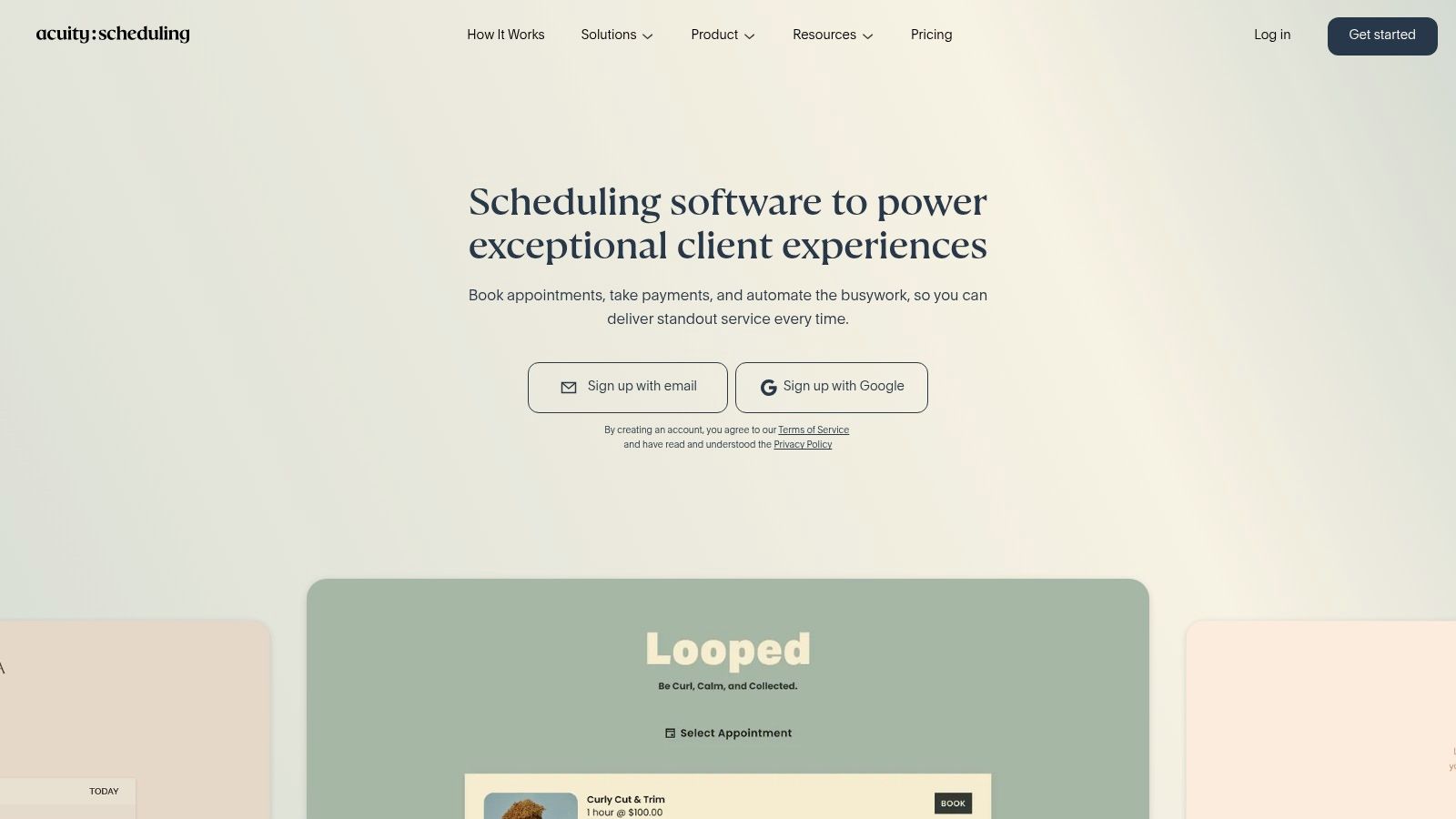
Acuity Scheduling is built for service businesses where an appointment is part of a productized customer experience. It supports payments through Stripe, Square, PayPal, and Venmo. It also handles deposits, intake forms, automated email and SMS reminders, waitlists, packages, gift certificates, memberships, classes, and workshops.
That makes Acuity a better match than a meeting-only scheduler for a coach selling a package, a wellness provider collecting an intake form, or a studio running group sessions. Its Squarespace connection is particularly useful if your website and booking experience need to feel like one branded system. It also works independently.
Strong service commerce, less CRM simplicity
Acuity's strength is the transaction around the appointment. You can collect payment, ask questions before the session, and sell repeat services. Multiple time zones and calendar support help when clients and providers work across regions. HIPAA support is available on Premium, which is relevant only when the business has the right compliance requirements and configuration.
The trade-off is density. A freelancer who only needs a consultation link, a reminder, and an invoice may find the package and membership features unnecessary. Acuity doesn't offer a permanent free plan, only a trial, and some branding and compliance capabilities require Premium.
Use the same operational test described in this appointment scheduling guide. Book a real session, change it, cancel it, and check whether the client information remains useful afterward.
Best for: Coaches, wellness businesses, studios, and service providers selling packages, memberships, classes, or paid appointments.
Pros: Strong payment and package tools, intake forms, reminders, waitlists, Squarespace integration, and service-focused workflows.
Cons: No permanent free plan, a denser setup experience, and premium requirements for some advanced branding and compliance features.
4. SavvyCal
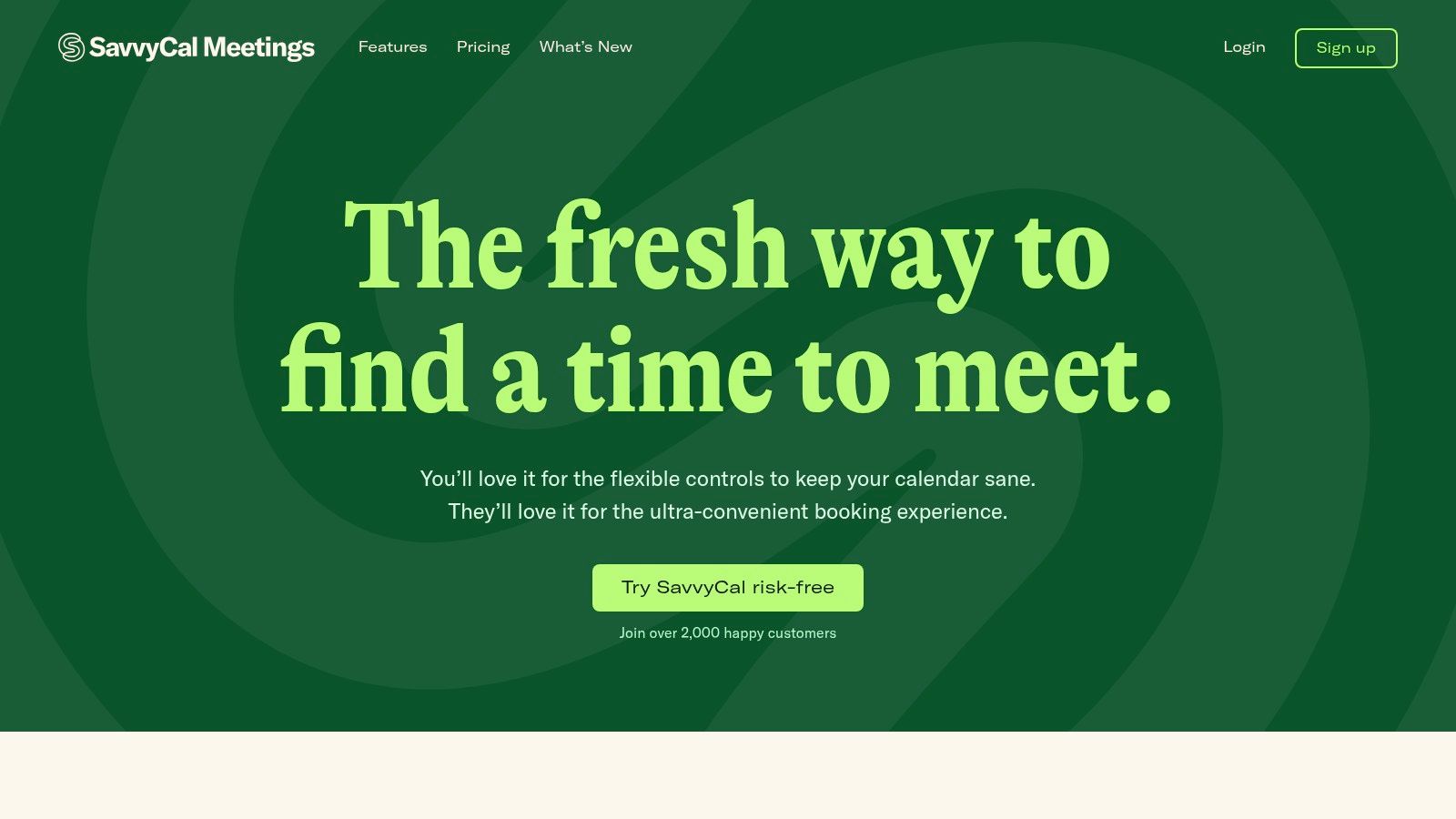
SavvyCal takes a different approach to the booking experience. Instead of presenting a generic availability page, it lets invitees overlay their own calendar and compare suitable times. Ranked availability and time-defense controls help you show preferred slots while protecting focus time.
That matters for consultants and boutique agencies whose calendars contain more than client calls. You can rank morning consultation slots above less convenient times, block space for deep work, and reduce the risk of accepting appointments in every available gap. Team scheduling, meeting polls, and assistant delegation make it useful when another person helps manage your calendar.
A polished front end with a narrower ecosystem
SavvyCal is especially good when the main source of friction is a difficult invitee experience. Multiple stakeholders can compare availability without an extended email thread. Paid plans include unlimited calendars and links, while premium options add paid bookings and more branding control.
The limitation appears after the booking. SavvyCal doesn't try to be a full CRM or invoicing system. You'll need a separate process to update a client record, create a deal, send a follow-up sequence, or track payment status. Its integration marketplace is also smaller than the largest scheduling platforms.
Best for: Independent consultants and boutique agencies that value a polished booking experience and strong focus-time controls.
Pros: Friendly invitee interface, ranked availability, calendar overlays, team workflows, and protection against overbooking.
Cons: Smaller integration marketplace and premium requirements for some branding and payment features.
5. Cal.com
Cal.com is the flexible option for technical freelancers, developers, and agencies that want control over the scheduling layer. It's open source, offers self-hosting, and provides APIs and webhooks for custom workflows. The free plan includes unlimited event types and calendars, email and SMS support, and payments through Stripe and PayPal.
For a technical team, that flexibility can be more valuable than a highly constrained interface. You can connect bookings to internal systems, use routing forms, and build round-robin or collective events. Team features also include managed events and analytics. Organizations can add options such as SAML, SCIM, company subdomains, and compliance features on higher tiers.
Powerful enough to become a project
Cal.com works well when someone on the team can own configuration. A developer-led studio might route a new inquiry based on service type, connect a webhook to its internal pipeline, and give each specialist a controlled event type. A nontechnical freelancer may instead encounter too many settings before reaching a clean booking flow.
That isn't a flaw, but it changes the buying decision. Cal.com gives you room to shape the system. It doesn't automatically provide the simple, unified client-to-invoice workflow that a CRM-led tool provides. Test the handoff from booked event to client record before assuming an integration will cover the operational details.
For teams concerned with protecting working hours, this guide to availability management provides useful workflow context.
Best for: Technical freelancers, developer agencies, and businesses that need self-hosting, APIs, webhooks, or custom routing.
Pros: Open-source foundation, self-hosting, generous individual features, strong team routing, and developer-friendly controls.
Cons: Configuration depth can feel heavy, and some compliance and organizational features require higher tiers.
6. SimplyBook.me
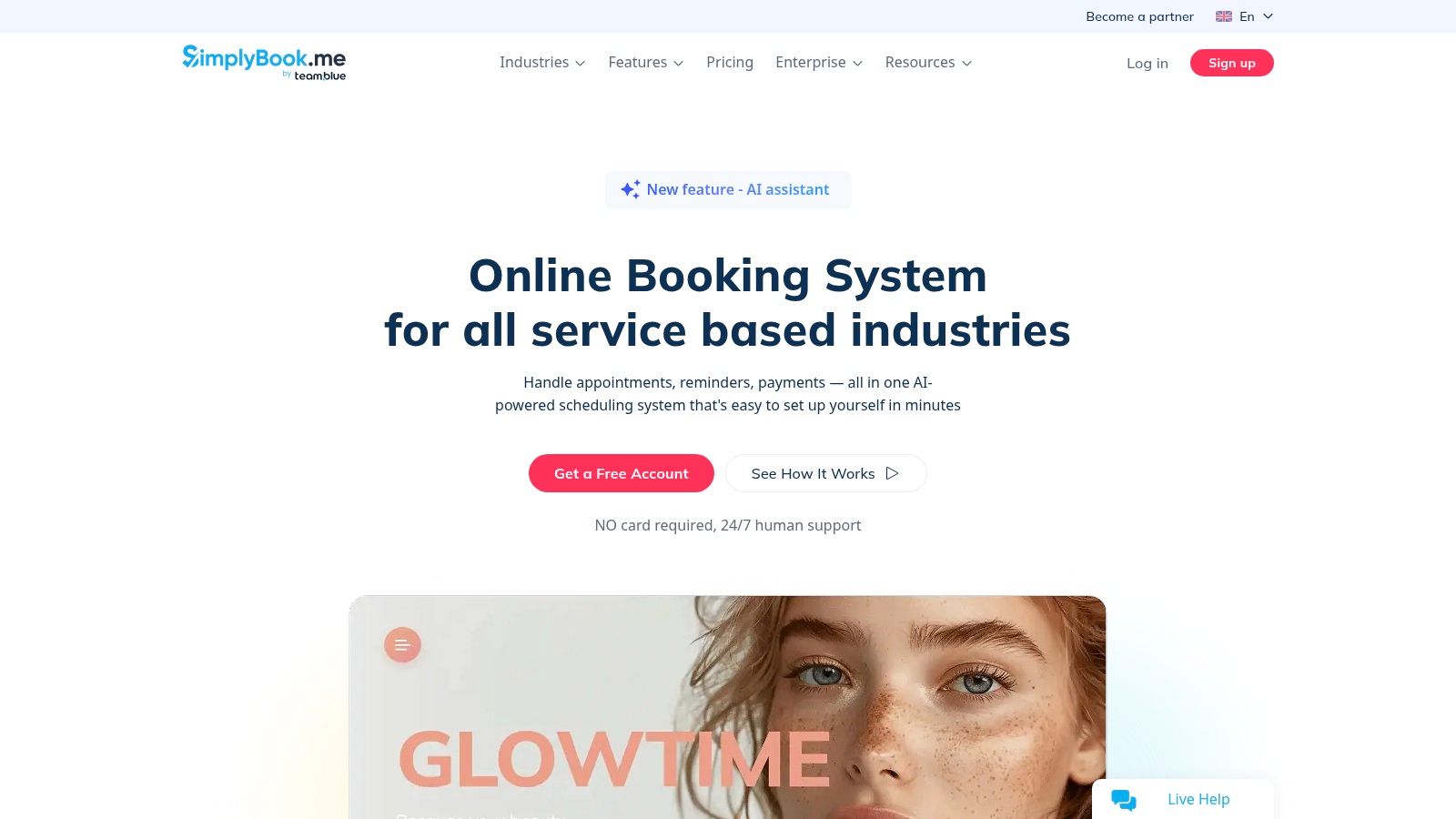
SimplyBook.me is aimed at businesses that sell several kinds of services through a branded booking site. It provides an embeddable widget, a booking website, POS support, classes, events, memberships, gift cards, waitlists, deposits, and packages. Payment integrations include Stripe, PayPal, and Square, while accounting connections are available on higher tiers.
This feature set suits a photography studio with several providers, a training business selling memberships, or a clinic that needs service types and staff schedules in one client-facing system. Flat plan pricing can also work better than per-user pricing when several providers need calendars.
Flexible, but budget for configuration
SimplyBook.me's custom-feature model needs close attention. Some capabilities are enabled as paid add-ons, and SMS credits may cost extra. The difference between the base plan and the final operating cost can become difficult to judge until you list every required feature.
The tool also offers HIPAA features and a branded client app on certain plans. Those options can matter in specialized service businesses, but they're unnecessary for a solo consultant selling a few meeting types. A freelancer should compare the time spent configuring the platform with the value of its commerce features.
The client record is useful inside the booking system, but SimplyBook.me isn't a replacement for a focused CRM when you need a visual deal pipeline, invoice status, and structured follow-up history.
Best for: Studios, clinics, photographers, and service businesses with multiple providers, packages, classes, or in-person sales.
Pros: Branded booking website, POS, packages, memberships, gift cards, waitlists, and flat plan structure.
Cons: Add-on pricing takes work to understand, SMS and extras can increase cost, and setup is heavier than a minimalist scheduler.
7. Zoho Bookings
Zoho Bookings makes the most sense inside the Zoho ecosystem. It connects with Zoho CRM, Bigin, Meeting, Desk, and SalesIQ, so a business already using those products can keep scheduling close to its existing sales and support records.
The scheduler handles one-to-one, collective, group, recurring, and resource bookings. Routing forms can direct an inquiry to the appropriate person. Two-way calendar sync and video integrations help prevent conflicts, while white-label pages and custom domains are available on premium plans. Resource booking is useful for businesses that manage rooms, equipment, or shared spaces alongside people.
Good ecosystem fit, weaker as a standalone choice
A Zoho customer can use CRM sync and custom workflows to make the booking more meaningful than a standalone calendar event. A new user who doesn't use Zoho may find the platform less compelling because its biggest advantage comes from the surrounding product family.
Third-party connections are smaller than Calendly's ecosystem, and additional workspaces, resources, white-label features, or advanced options may require premium plans or add-ons. Before choosing Zoho Bookings, identify whether your current system is Zoho CRM, Bigin, or another platform. The value changes sharply depending on that answer.
Best for: Solo professionals and small teams already using Zoho CRM, Bigin, or related Zoho products.
Pros: Competitive free option for one user, routing forms, resource bookings, two-way calendar sync, and strong Zoho connections.
Cons: Best experience depends on the Zoho stack, third-party integrations are more limited, and advanced workspace features are plan-dependent.
Top 7 Appointment Scheduling Apps, Feature Comparison
| Product | Implementation Complexity 🔄 | Resource Requirements & Cost ⚡ | Expected Outcomes / Impact 📊 | Ideal Use Cases 💡 | Key Advantages ⭐ |
|---|---|---|---|---|---|
| Micro CRM | 🔄 Very low, instant signup, minimal setup | ⚡ Low, free tier; Starter $14/mo, Pro $29/mo, LTD $299 one‑time | 📊 Streamlined client workflows, reduced admin time, high practicality ⭐⭐⭐⭐ | Freelancers, solo founders, micro‑agencies (<~50 clients) | All‑in‑one CRM+invoicing+calendar, zero‑learning curve, account‑pause, AWS security |
| Calendly | 🔄 Very low, simple links, minimal config | ⚡ Per‑seat pricing; free tier limited, costs scale with team size | 📊 Reliable scheduling with broad integrations; familiar UX ⭐⭐⭐ | Coaches, consultants, small teams needing integrations | Wide integrations, team routing/round‑robin, admin controls |
| Acuity Scheduling | 🔄 Medium, setup for payments, packages and intake forms | ⚡ Paid plans only (trial available); Premium for HIPAA/branding | 📊 Commerce‑ready bookings and revenue features; suited for selling services ⭐⭐⭐ | Wellness providers, studios, coaches selling packages/memberships | Payments, packages/memberships, intake forms, classes and HIPAA (premium) |
| SavvyCal | 🔄 Low, quick setup with polished UX | ⚡ Paid tiers for team/assistant features; smaller integration marketplace | 📊 Better invitee experience, fewer scheduling conflicts ⭐⭐⭐ | Consultants, boutique agencies, teams protecting deep‑work time | Ranked availability, calendar overlay, time‑defense and delegate workflows |
| Cal.com | 🔄 Medium–High, self‑hosting/customization may need dev work | ⚡ Generous free tier; self‑host requires infra; paid org tiers for enterprise features | 📊 High flexibility and control; developer‑friendly and brandable ⭐⭐⭐⭐ | Technical freelancers/agencies needing APIs, branding or self‑host | Open‑source, self‑host option, rich APIs/webhooks, strong free features |
| SimplyBook.me | 🔄 Medium, many configurable features to learn | ⚡ Flat plan pricing (not per‑user); add‑ons/SMS credits may add cost | 📊 Comprehensive booking + commerce for multi‑service businesses ⭐⭐⭐ | Studios, clinics, photographers with multiple services or staff | Branded booking sites, POS, memberships, gift cards, classes |
| Zoho Bookings | 🔄 Low–Medium, straightforward, best when paired with Zoho stack | ⚡ Competitive pricing; free plan for one user; add‑ons for extra workspaces/white‑label | 📊 Lightweight scheduler with tight Zoho integrations, efficient for Zoho users ⭐⭐⭐ | Solo professionals and small teams using Zoho CRM/apps | Two‑way calendar sync, resource routing, white‑label and CRM sync options |
Pick the Scheduler That Fits How You Work With Clients
Start with client count and budget. A solo freelancer with a small list usually needs a clean booking link, availability rules, reminders, and a reliable way to continue the conversation afterward. A service business with packages, memberships, classes, deposits, or several providers needs a booking platform built around commerce and routing.
Then check the handoff into your existing workflow. A booking isn't complete when it appears on a calendar. You need to know who booked, which deal it relates to, what follow-up should happen next, and whether an invoice has been sent or paid. This is where the tools separate themselves.
Choose Micro CRM when contacts, deals, invoices, email sequences, and appointment scheduling should share one lightweight workspace.
Choose Calendly or SavvyCal when meeting coordination is the main problem and your CRM already handles the rest.
Choose Acuity Scheduling or SimplyBook.me when clients buy packages, memberships, classes, deposits, or service appointments.
Choose Cal.com when you need open-source control, self-hosting, APIs, webhooks, or custom routing.
Choose Zoho Bookings when your business already depends on Zoho CRM, Bigin, or related Zoho products.
Don't decide from the booking page alone. Run one real booking through the shortlisted tool. Use a real availability rule, book from a mobile device, change the appointment, test the reminder, inspect the client record, send the follow-up, and create the invoice. That short workflow exposes problems that a polished demo can hide.
Appointment timing deserves attention because longer lead times are associated with more missed appointments. In a large 2023 appointment study, bookings made 0 to 15 days ahead had a 4.31% no-show rate, compared with 7.73% for bookings made more than 60 days ahead. The study covered healthcare appointments, so the figures shouldn't be treated as a forecast for freelancers, but the operational lesson is useful: long booking horizons need dependable reminders and easy rescheduling. Read the appointment timing research.
Reminder design matters too. One outpatient study recorded a 23.1% no-show rate without reminders, 17.3% with automated reminders, and 13.6% with staff reminders. Those results come from healthcare, not freelance services, but they support a practical test of every scheduler: confirm the appointment, make changes easy, and avoid leaving the client to search through old email. Review the reminder comparison00108-7/fulltext).
For freelancers and small businesses that want scheduling, contacts, and billing in one simple workspace, Micro CRM is the most direct fit. It avoids forcing a solo operator to assemble a scheduler, pipeline, invoicing tool, and follow-up system before the first client can be managed properly.
Manage clients, deals, invoices, follow-ups, and appointments in one lightweight workspace with Micro CRM. Try the free plan to replace scattered spreadsheets and booking tools, with no credit card required.