10 Best Invoicing Software for Freelancers in 2026
A freelancer's invoices often break down before the billing tool does. The invoice sits in a spreadsheet, a payment reminder goes out a month late, and the client's billing details are buried in email threads. The right invoicing software removes that friction without adding another complicated system to maintain.
I evaluated these tools on pricing, ease of use, invoice creation, multi-currency support, templates, reporting, integrations, and mobile access. The ten options below are grouped by billing situation, not by a generic feature checklist. You'll find tools for free solo invoicing, hours-to-invoice work, retainers, card-first clients, and self-hosting. Micro CRM is also worth considering if you want invoices alongside contacts, deals, follow-ups, and a sales pipeline. The lead image is available here.

Table of Contents
- 1. Zoho Invoice
- 2. Wave
- 3. Micro CRM
- 4. FreshBooks
- 5. Harvest
- 6. Bonsai
- 7. Square Invoices
- 8. PayPal Invoicing
- 9. Stripe Invoicing
- 10. Invoice Ninja
- Top 10 Freelance Invoicing Software Comparison
- Match Your Setup to How You Bill
1. Zoho Invoice
Zoho Invoice is a strong fit when you want a dedicated invoicing app without committing to full accounting software. It handles estimates, quotes, invoices, recurring invoices, retainer invoices, credit notes, and client portals. That gives a solo consultant or designer enough room to manage both one-off projects and repeat billing.
The free offering is unusually complete. You can support online payments through multiple gateways, work with multiple currencies, configure tax details, and use mobile apps or an API for automation. Clean templates and several delivery options, including email, PDF, and links, make the client experience practical rather than improvised.
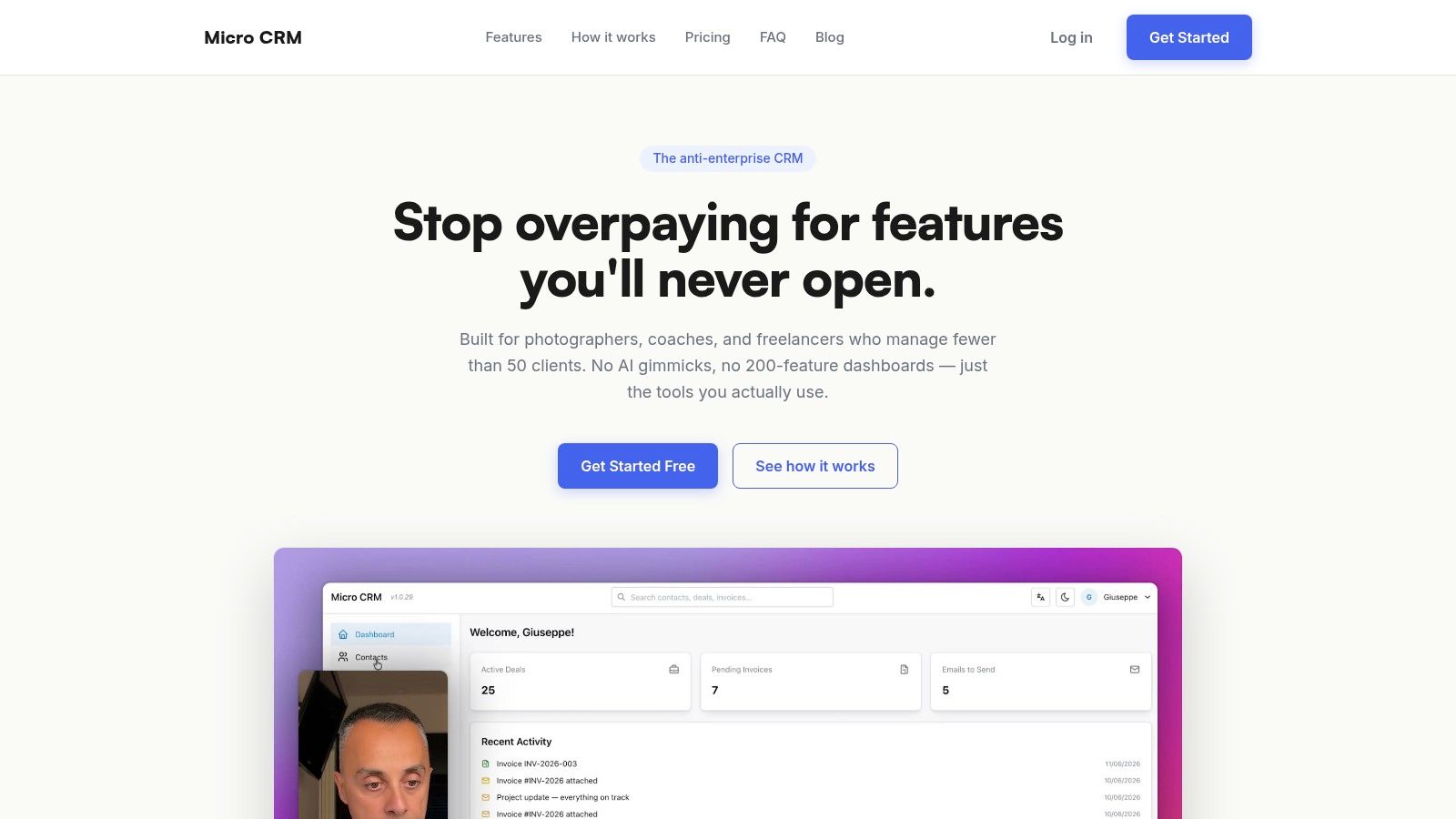
The main limitation is usage. The free plan has annual limits that reset each year, so heavy billers may eventually need Zoho Billing. It's best for freelancers who want polished invoices, automated reminders, and time or expense capture without adding bookkeeping complexity.
Best fit: Solo freelancers who want a generous free invoicing app with multi-currency support.
2. Wave
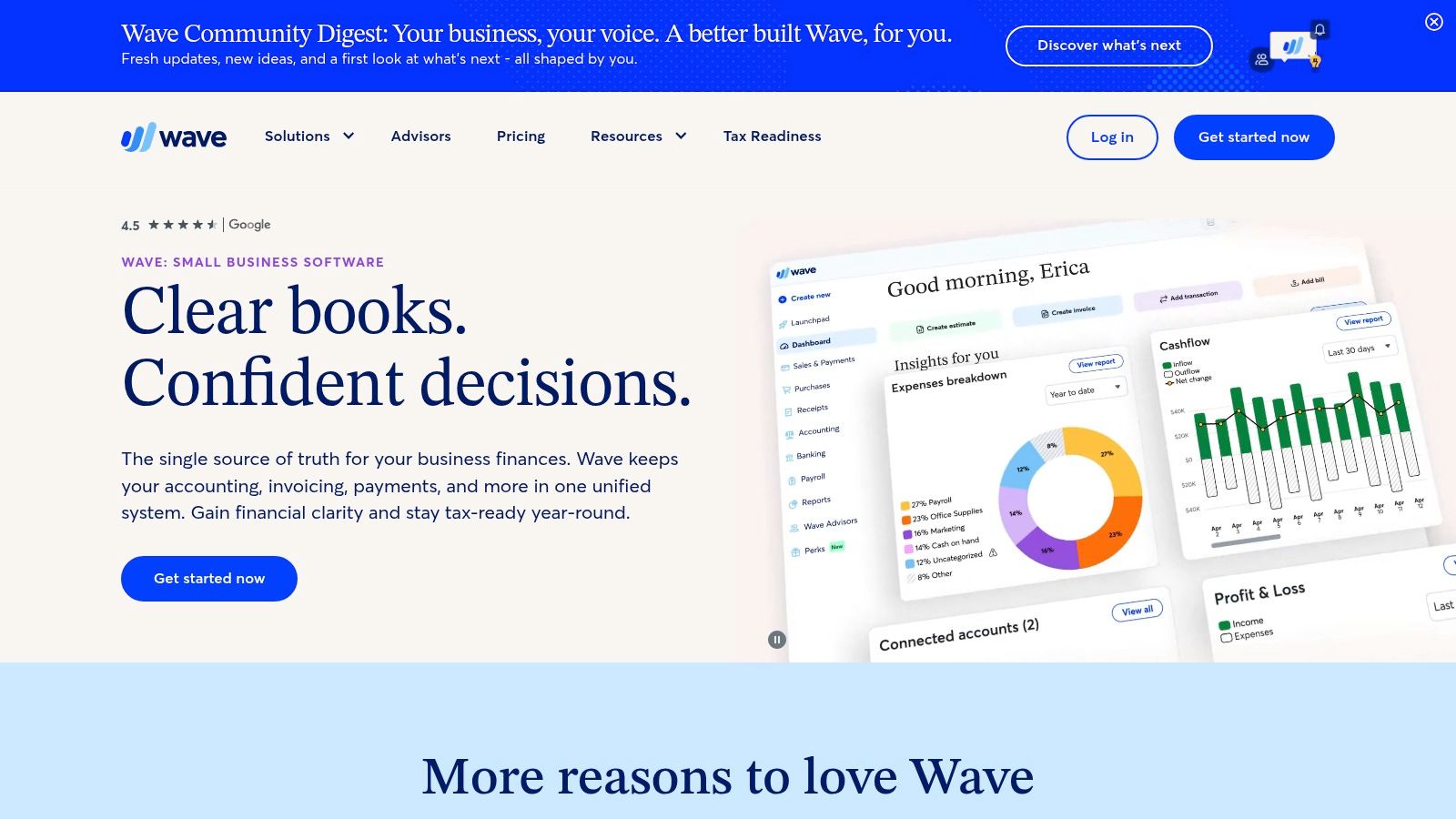
Wave suits freelancers who want to send invoices without paying a monthly subscription. Its Starter plan includes unlimited invoices and estimates, branded templates, mobile invoicing, and a modern app experience. You can also accept online payments, including cards and American Express, with transaction charges applying when clients pay.
The setup is quick. A photographer can create an invoice from a phone after a shoot, while a consultant can reuse a branded template for recurring project work. Wave also includes simple bookkeeping, which is useful if you want income and expense records beside your invoices rather than in a separate spreadsheet.
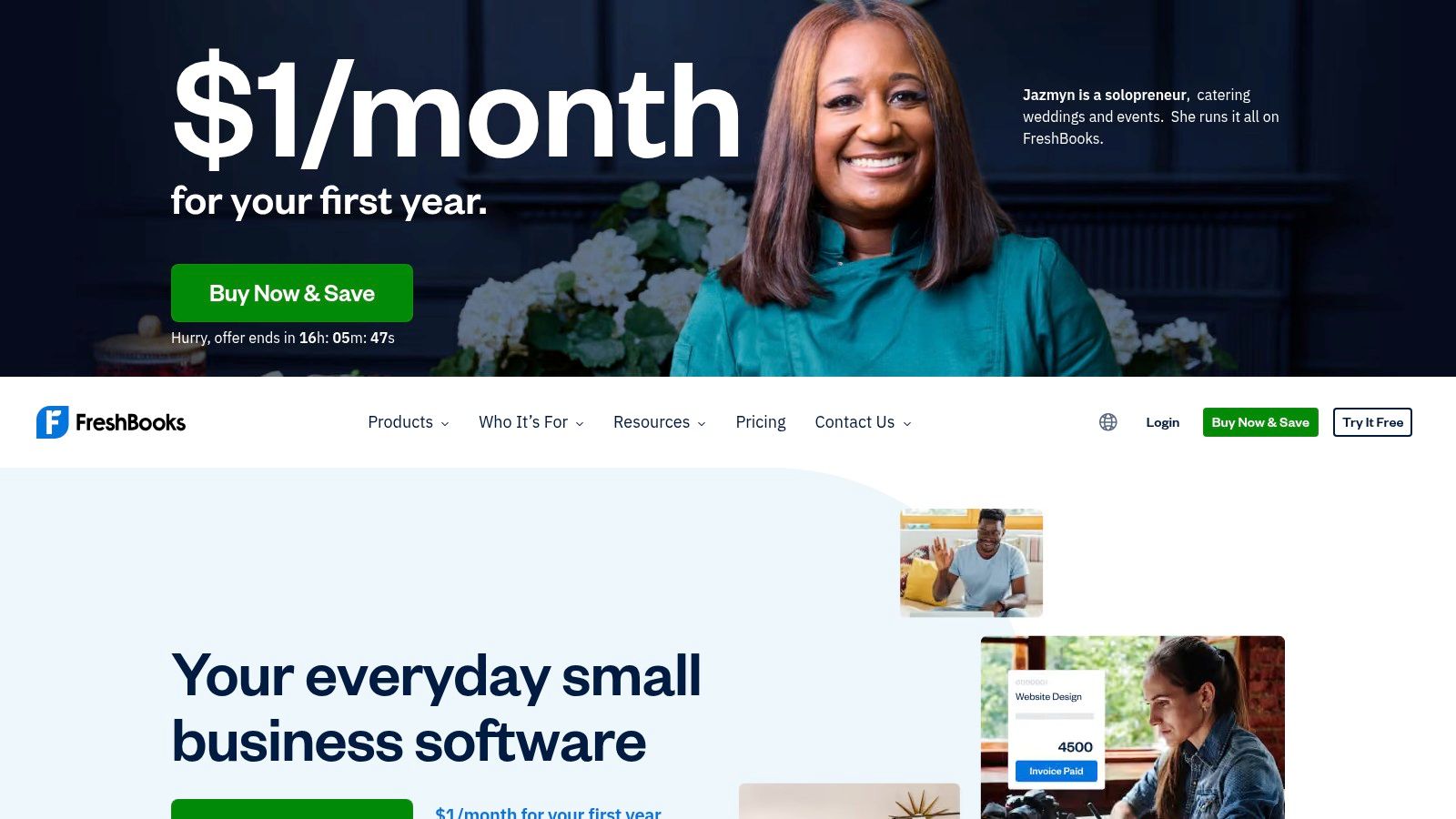
The free plan isn't completely frictionless. Card processing fees still apply, and features such as attachments, reusable message templates, and some automations are reserved for the Pro plan. Wave is a good choice when the priority is free core invoicing. It's less suitable if you need deep project tracking, advanced follow-up sequences, or a CRM.
3. Micro CRM
Micro CRM fits freelancers who want billing tied to client management. It combines contacts, deals, invoicing, email follow-ups, calendar scheduling, and reporting in one workspace. That connection helps when an unpaid invoice relates to a completed project, an open opportunity, and a long email thread.
The contact area supports search, tags, and interaction history. Its Kanban pipeline shows active opportunities by stage, with drag-and-drop updates and automatic probability calculations. For billing, you can create professional invoices, add line items, generate PDFs, email them to clients, and work in multiple currencies.
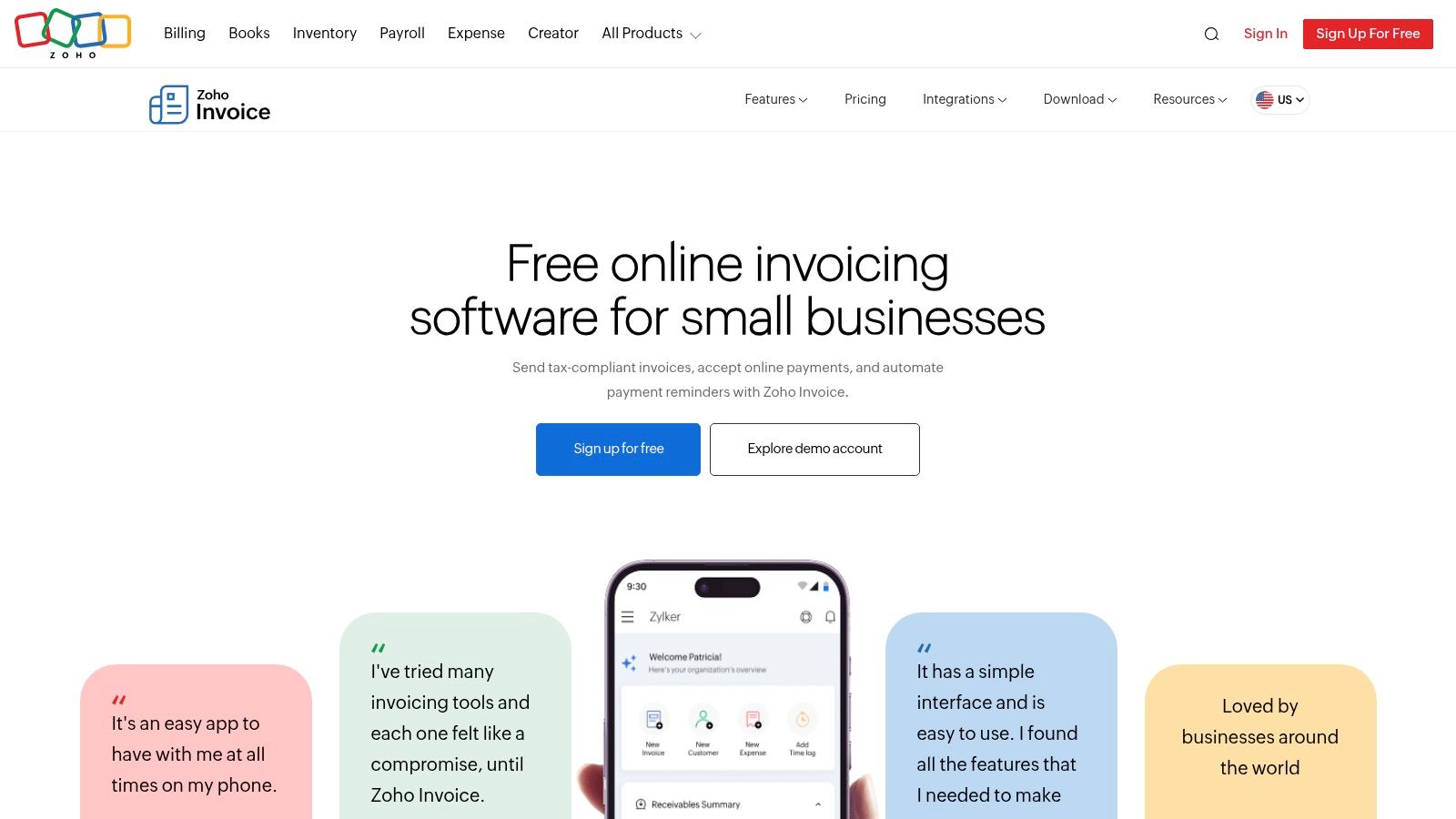
The free plan includes 50 contacts, 5 active deal cards, 5 invoices per month, 100 emails per month, and 1 sequence. The Starter plan costs $14 per month when billed annually. It raises capacity to 1,000 contacts, unlimited deals and invoices, 3,000 emails per month, 10 sequences, and a calendar. The Pro plan costs $29 per month when billed annually and adds 10,000 contacts, unlimited emails and sequences, reporting, and priority support. A limited-time Lifetime Deal costs $299 one time, with lifetime limits of 1,500 contacts, 3,000 emails per month, and 10 sequences.
Setup is quick. You can sign up, add contacts, and send an invoice without an onboarding call or lengthy manual process. Data is hosted on AWS, with encryption in transit and at rest, plus authentication through Amazon Cognito. The product is used by 500+ freelancers and small businesses, including customers such as Marco R., Elena T., and Luca B., who report saved time and clearer pipeline visibility.
The trade-off is a smaller feature set. Advanced automation, AI features, and deep customization are limited compared with enterprise CRMs. CSV import is on the roadmap, while reporting, unlimited emails, and unlimited sequences require higher tiers. For photographers, designers, consultants, coaches, and small agencies managing fewer than 50 clients, that narrower scope keeps the interface focused.
Best fit: Freelancers who want contacts, pipeline, invoices, follow-ups, and appointments without Excel or an enterprise CRM.
4. FreshBooks
FreshBooks is built for service freelancers who want invoicing connected to time tracking, expenses, and light bookkeeping. It supports customized invoices, estimates, retainers, late fees, recurring schedules, client portals, and online payments. Cards, ACH, and digital wallets such as Apple Pay and Google Pay are supported through the client payment experience.
Its strongest workflow is simple. Track time or expenses, attach them to a client, and roll them into an invoice with PDF generation. A consultant billing a retainer can automate the recurring schedule, while a designer can add approved expenses without retyping every line.
The drawback is cost predictability. Promotional pricing can look attractive, but regular list pricing is higher. Advanced payments and extra team members can also increase the total. Before choosing it, compare the complete workflow with freelancer billing software guidance, especially if you only need occasional invoices.
FreshBooks is a good middle ground between a basic invoice generator and full accounting software. It's more than you need for a few annual invoices, but useful when recurring clients, tracked hours, and expenses are part of daily work.
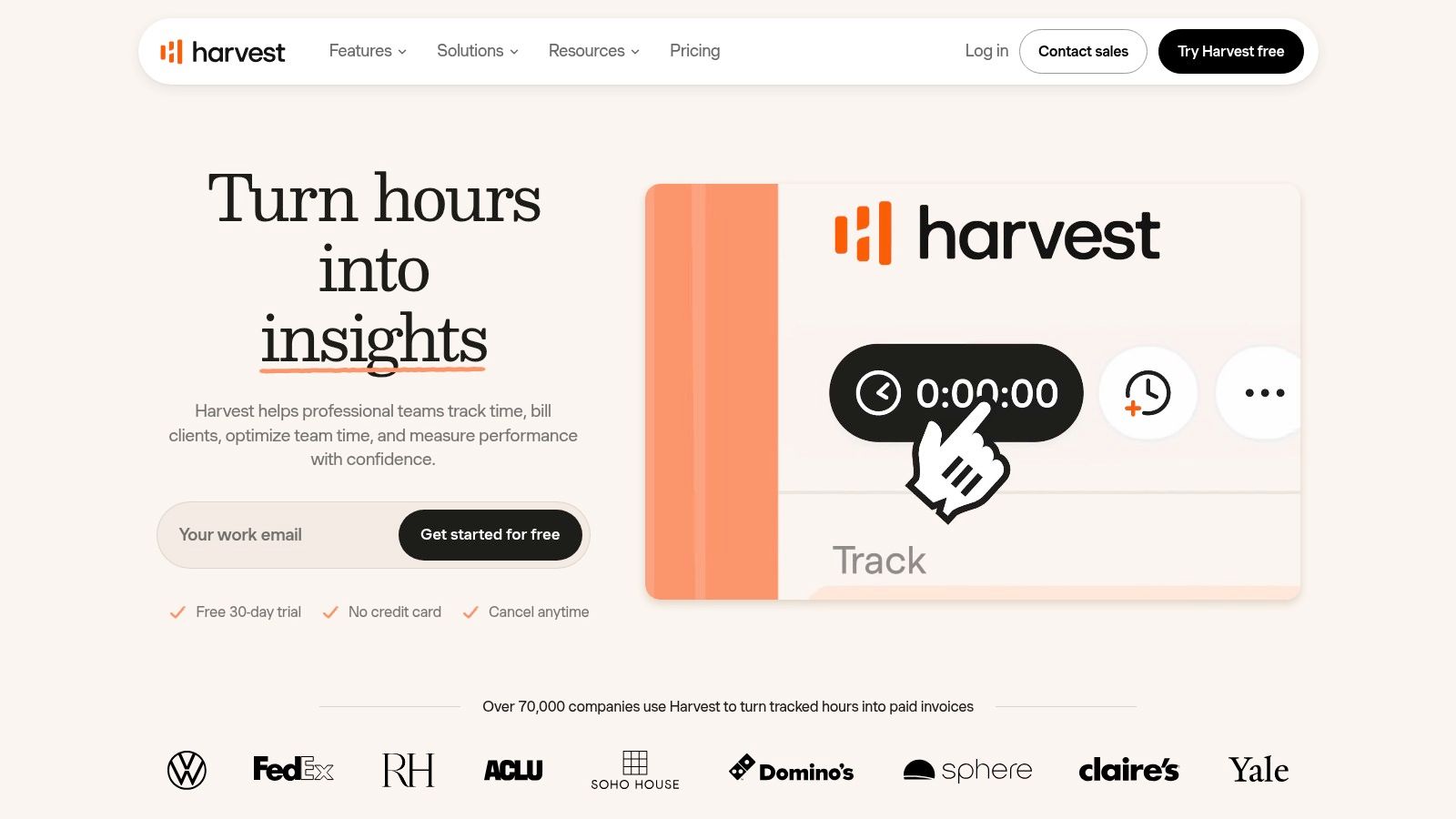
5. Harvest
Harvest is the practical choice when your invoice starts with a timer. It tracks hours and expenses, then turns that information into invoice drafts. That removes the common failure point where a freelancer copies hours from a time tracker into a separate billing tool and introduces errors.
Designers, developers, and consultants can track work by project, review project visibility, and examine profitability reporting before sending an invoice. Retainer invoicing is supported, and integrations with Stripe, QuickBooks, and Xero help connect billing with payment and accounting workflows. Desktop and mobile apps make it possible to record time close to when the work happens.
The free plan is limited to 1 seat and 2 projects, so it may not last if you handle several clients at once. Paid plans also combine seat-based and usage-based pricing, which can affect the value for heavy invoicers or small teams.
Harvest isn't the best answer for flat-fee work where time tracking adds little value. If the number on the invoice comes directly from hours worked, however, its hours-to-invoice workflow is one of the cleanest options available.
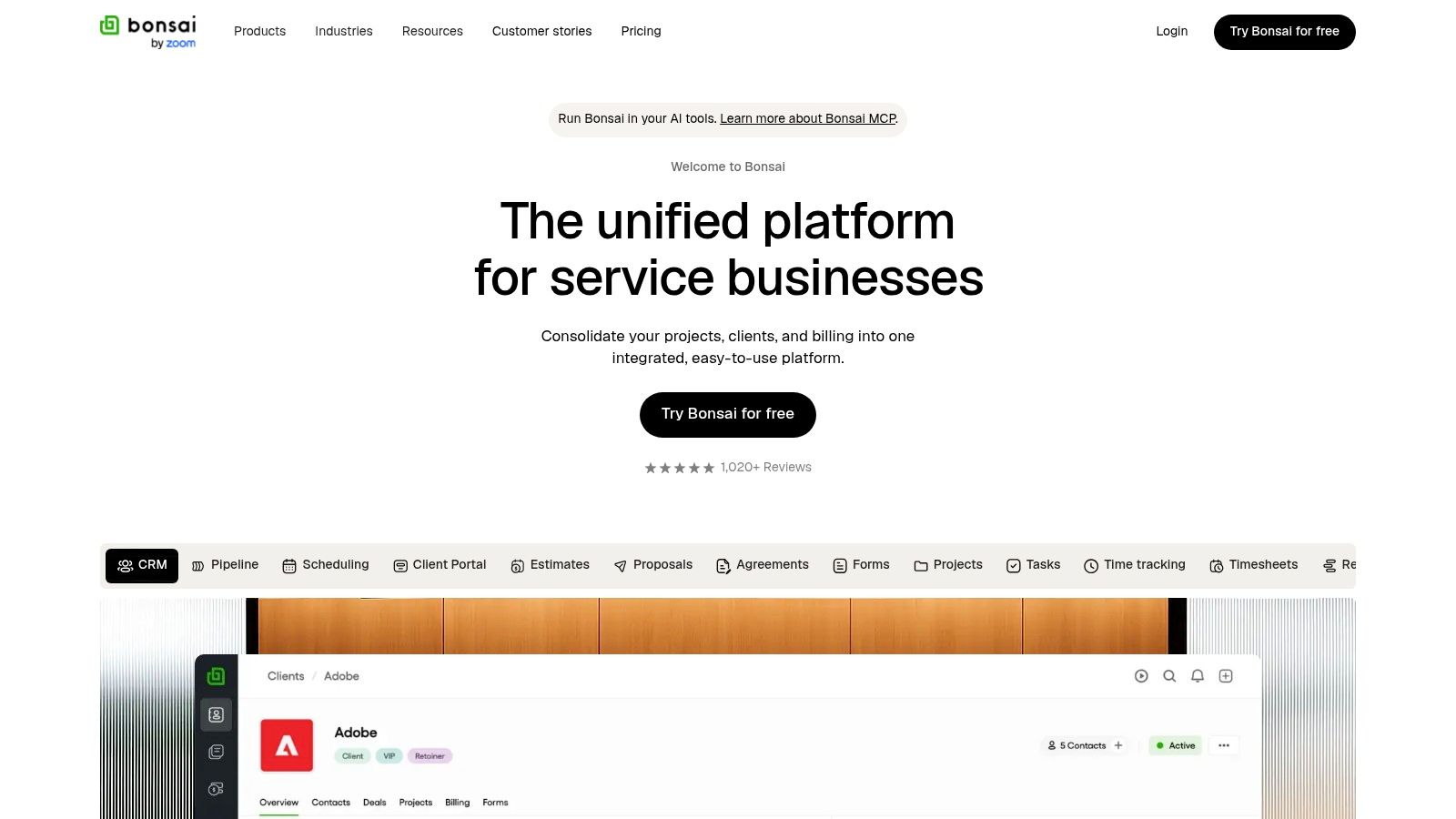
6. Bonsai
Bonsai is aimed at freelancers who want the whole client workflow in one place. It combines proposals, contracts, e-signatures, scheduling, forms, projects, time tracking, CRM, and invoicing. That makes it suitable for a designer who sends a proposal, gets a contract signed, tracks work, and starts a recurring billing schedule without switching between several apps.
Its invoice area supports recurring schedules, online payments, and a client portal. Integrations include QuickBooks, Xero, Zapier, Calendly, and Google. Higher tiers remove Bonsai branding, which can matter if client-facing documents need to look completely independent.
The trade-off is that invoicing starts at the Essentials tier. The cheapest tier doesn't include every billing feature, and higher plans or additional users can raise the total cost. You're paying for workflow consolidation, not necessarily the deepest version of each individual tool.
If you want a broader view of the process, this guide to invoicing as a freelancer is useful before deciding whether an all-in-one platform is right for you.
Best fit: Freelancers who need proposals, contracts, time tracking, and invoices in one client journey.
7. Square Invoices
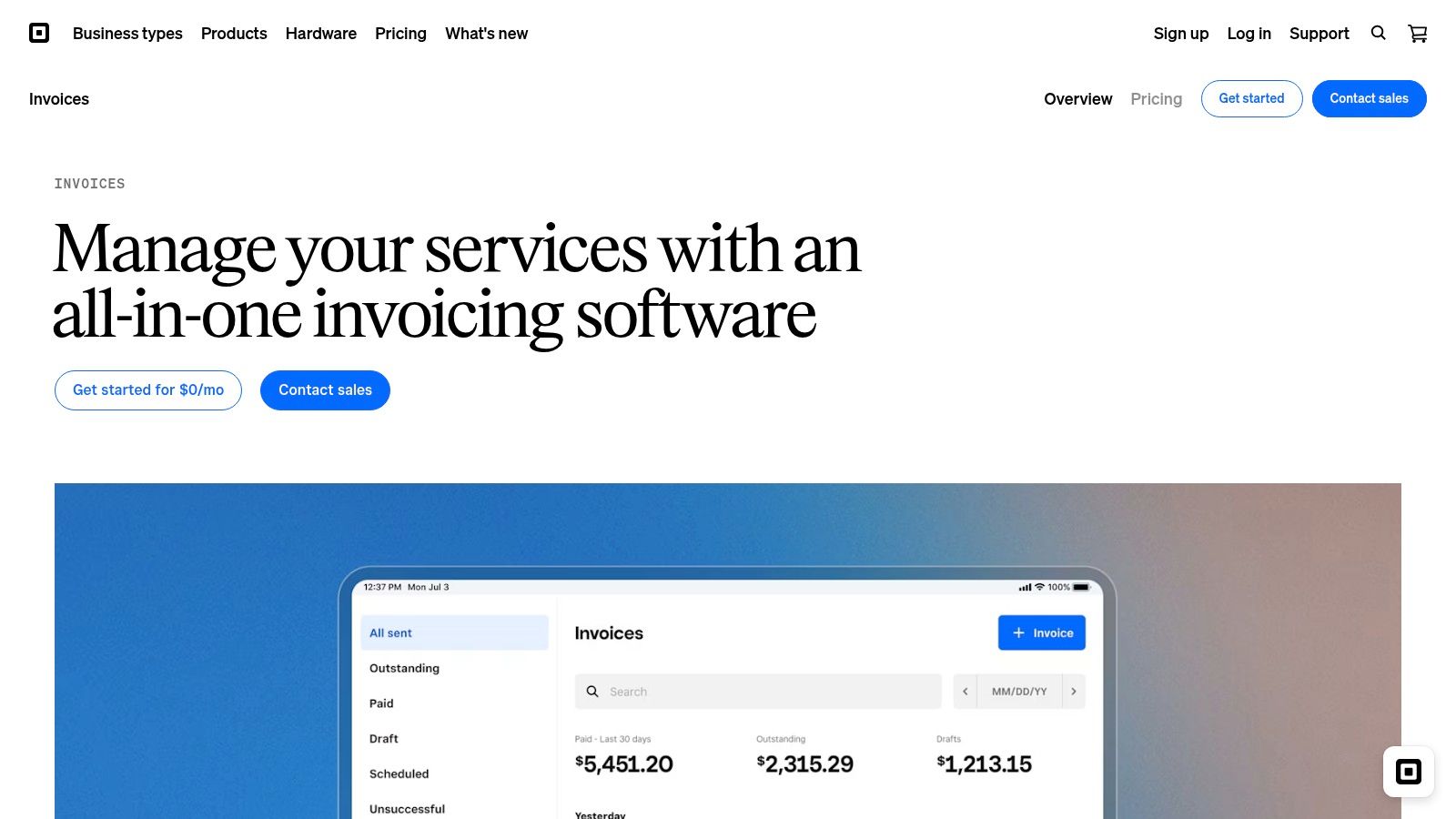
Square Invoices suits freelancers who need payment collection built into invoicing. You can create estimates, turn them into invoices, request milestone or partial payments, and send clients to hosted payment pages. Status tracking shows whether an invoice was sent, viewed, paid, or overdue.
Creating and sending invoices has no monthly fee. Processing costs apply when clients pay, so Square fits irregular project work better than a high-volume billing operation. ACH support and the mobile app help photographers, coaches, and other service providers collect payment away from a desk.
Square's wider ecosystem is its main advantage. Existing Square payments or point-of-sale users can keep invoices in the same account. Freelancers without those tools may get better client records, reporting, or follow-up management from a dedicated invoicing app.
Rates and available features vary by plan and payment method. Check your Square dashboard before committing, particularly if clients usually pay by card or require a specific payment method.
8. PayPal Invoicing
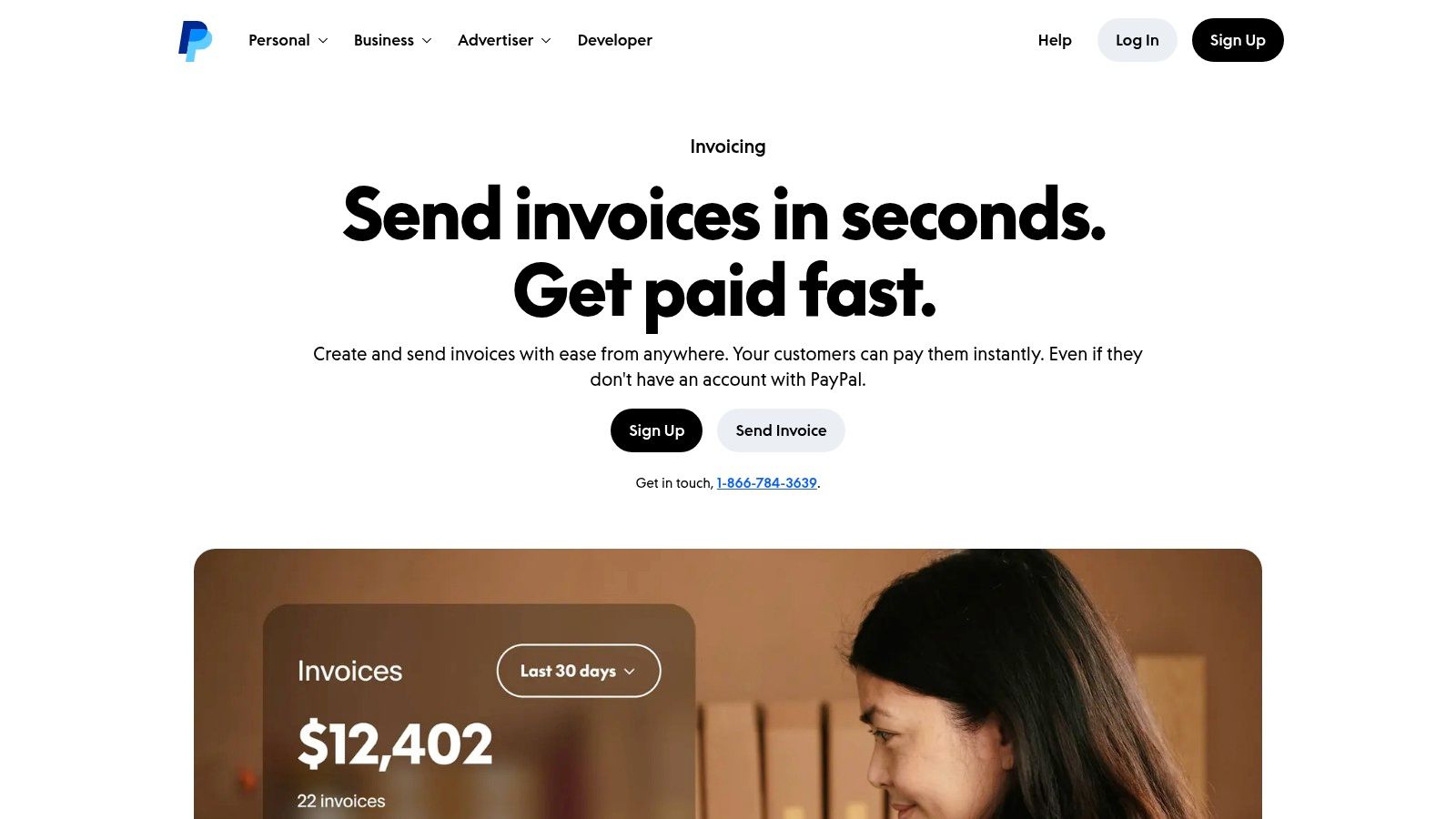
PayPal Invoicing suits freelancers whose clients already expect PayPal at checkout. You can create branded invoices with itemized services, taxes, discounts, and payment tracking. Clients can pay through guest checkout or their PayPal wallets, with Venmo available in supported contexts.
Creating and sending invoices has no monthly fee. Online payment fees apply, making PayPal suited for occasional projects and international clients familiar with its checkout. PDF downloads and basic reporting cover routine invoicing without adding a separate accounting system.
Payment cost is the main drawback. Processing fees are higher than ACH-focused alternatives, and Pay Later transactions carry particularly high fees. PayPal also offers less operational depth than a CRM or accounting suite. Its simple workflow fits a handful of familiar client transactions. It feels basic for recurring billing and structured collections.
Review PayPal invoicing fees for freelancers before making PayPal your default payment channel.
9. Stripe Invoicing
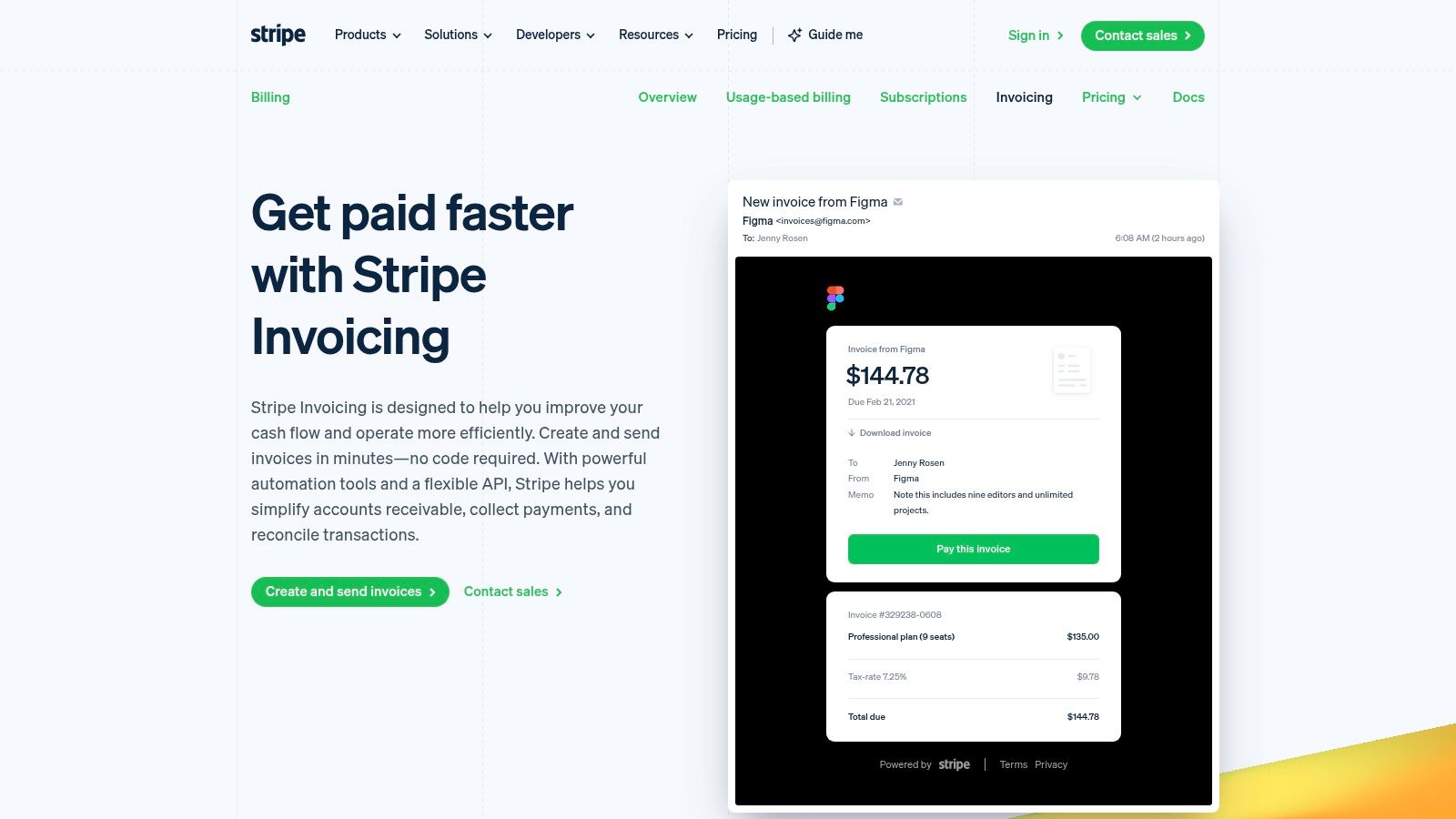
Stripe Invoicing fits freelancers who need international payment options, automation, and developer control. It supports one-off invoices, quotes, hosted payment pages, PDF generation, automated reminders, APIs, webhooks, Payment Links, and optional Stripe Tax integration.
Stripe lists support for 100+ payment methods and 135+ currencies on its invoicing product page. That breadth suits developers, agencies, and consultants billing clients across countries. Usage-based pricing means there is no fixed subscription for the invoicing layer, though paid invoices still incur normal payment processing charges.
The trade-off is focus. Stripe handles payments better than bookkeeping or client relationship management. Stripe Tax and payment processing add cost, while expenses, contact history, and pipeline management may require another tool.
Choose Stripe for card-first clients, localized payment pages, and custom workflows. It is less suitable if you want one workspace for invoicing, accounting, and client management.
10. Invoice Ninja
Invoice Ninja is the most flexible choice for freelancers who want control over hosting and configuration. It supports invoices, quotes, recurring billing, multiple payment gateways, client portals, automated reminders, and white-labeling. You can use the hosted service or self-host the open-source version.
The free plan offers unlimited invoices for up to 5 clients. That's enough for a small practice testing the workflow, but the client limit becomes restrictive as soon as your network expands. Hosted tiers reduce the technical burden, while self-hosting offers more control over data, branding, and deployment.
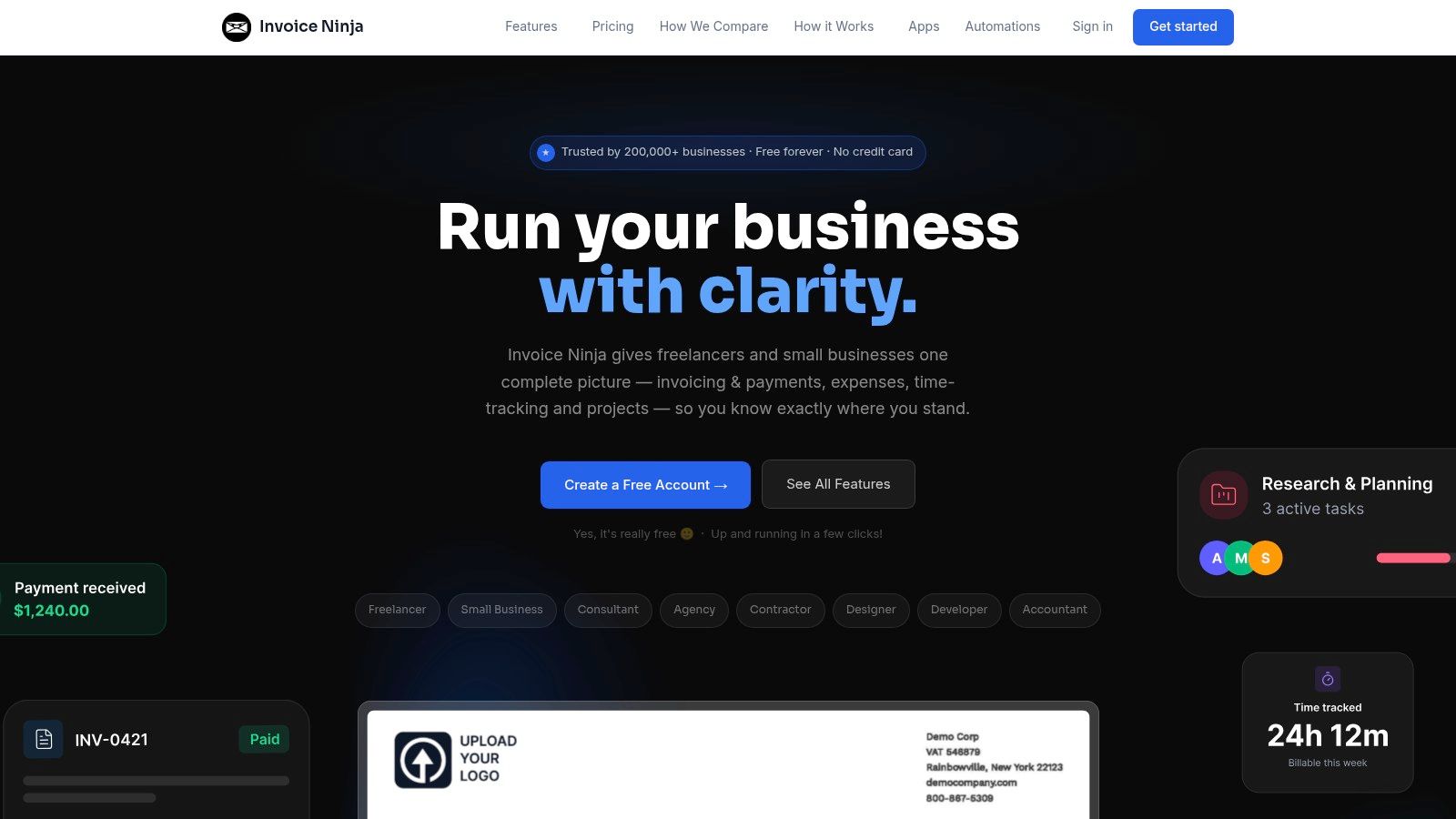
The interface is more utilitarian than polished competitors. You'll also make more setup decisions, particularly if you self-host or connect several gateways. That's a fair trade for power users who don't want heavy vendor lock-in.
Best fit: Freelancers who want branded invoicing, multiple gateways, and the option to self-host.
Top 10 Freelance Invoicing Software Comparison
| Product | Core features ✨ | UX & Quality ★ | Pricing & Value 💰 | Best for 👥 |
|---|---|---|---|---|
| Micro CRM 🏆 | Contacts, Kanban pipeline, invoicing (PDF + multi-currency), email sequences, calendar, reports ✨ | ★★★★★, minimal setup, fast onboarding | 💰 Free (limits); Starter $14/mo; Pro $29/mo; LTD $299 one-time, transparent, pauseable | Freelancers & very small teams (<50 clients) 👥 |
| Zoho Invoice | Estimates, recurring invoices, client portal, multi-gateway payments, mobile/API ✨ | ★★★★☆, polished templates, easy to use | 💰 Forever‑free (annual limits); upgrade for high volume | Solo freelancers needing full-featured invoicing 👥 |
| Wave | Unlimited invoices, branded templates, mobile invoicing, payments ✨ | ★★★★☆, modern app, simple UX | 💰 Free core invoicing; card/txn fees; Pro for automations | Freelancers wanting unlimited free invoices 👥 |
| FreshBooks | Unlimited invoices, estimates, retainers, time & expense tracking, client portal ✨ | ★★★★☆, polished, bookkeeping-lite | 💰 Paid tiers (promos common); add‑ons raise cost | Freelancers who want invoices + basic bookkeeping 👥 |
| Harvest | Time & expense tracking → invoice drafts, project reporting, integrations ✨ | ★★★★☆, excellent timers, reliable reporting | 💰 Free limited plan; paid seat/usage pricing | Time-based freelancers (devs, consultants) 👥 |
| Bonsai | Proposals, contracts (e-sign), time tracking, invoicing, scheduling ✨ | ★★★★☆, end‑to‑end freelancer workflow | 💰 Essentials+ invoicing; higher tiers per-user costs | Creatives & consultants needing proposals + contracts 👥 |
| Square Invoices | Estimates → invoices, milestone payments, real-time status, Square payments ✨ | ★★★★☆, instant setup, strong mobile POS | 💰 No monthly fee; pay processing when paid | Users in Square ecosystem or on‑the‑go invoicing 👥 |
| PayPal Invoicing | Branded invoices, reminders, guest checkout, PDF export ✨ | ★★★☆☆, ubiquitous, client‑familiar | 💰 No monthly fee; transaction fees on paid invoices | International clients who prefer PayPal 👥 |
| Stripe Invoicing | Hosted invoices, automated reminders, 100+ payment methods, dev APIs ✨ | ★★★★☆, developer-friendly, scalable | 💰 Pay per paid invoice + processing; add‑ons extra | Dev-savvy freelancers needing global payments 👥 |
| Invoice Ninja | Invoices, recurring billing, multi-gateway, self-host & white‑label ✨ | ★★★☆☆, flexible but utilitarian UI | 💰 Very low-cost; free self-host option; paid hosted tiers | Power users wanting self-host/white‑label control 👥 |
Match Your Setup to How You Bill
The best invoicing software for freelancers depends on the event that creates the invoice. If you send occasional invoices and want to keep costs close to zero, start with Wave or Zoho Invoice. Wave offers free core invoicing, while Zoho Invoice gives you a dedicated billing workspace with estimates, recurring invoices, client portals, and multi-currency support.
If your invoices come from tracked hours, Harvest is the more natural choice. It turns time and expenses into invoice drafts, so you're not rebuilding the calculation at the end of every project. If you bill retainers or want contracts, proposals, scheduling, and payments in one flow, compare FreshBooks and Bonsai.
Payment-first tools solve a different problem. Choose Square Invoices when you already use Square or want hosted payment pages with mobile support. Choose PayPal when client familiarity matters. Choose Stripe when international payment methods, currencies, APIs, and automation are more important than built-in bookkeeping.
Self-hosting is the control option. Invoice Ninja gives you that flexibility, but you'll accept more setup work and a less polished interface. Micro CRM is the simpler alternative for freelancers who want billing connected to contacts, deals, email sequences, appointments, and high-level reports without learning a large CRM.
Use a short decision path:
- Define your billing situation: Identify whether you bill by the hour, through retainers, by project, or mainly through online payment links.
- Shortlist two or three tools: Compare the limits that affect you, including invoices, clients, payment methods, currencies, and automation.
- Test a real workflow: Create and send a real invoice to a real client, then check the reminder, payment, PDF, and reporting experience before committing.
Late payment deserves special attention. A 2025 global survey reported that 85% of freelancers had experienced late payment at least sometimes, while 15% said they were always paid on time. The same findings indicated that more than one-fifth were paid late or not at all for over half of their invoices. The State of Freelance Work 2025 supports a practical conclusion: reminders, due-date visibility, payment links, and client payment history matter more than an impressive feature count.
For payment terms, agree on the deadline before work starts and put it in the contract. The UK Small Business Commissioner identifies 30 days from receipt of an invoice as a typical payment period and advises that agreed terms generally shouldn't exceed 60 days. Its payment-practice guidance is a useful reference when you set client terms.
Manage clients, deals, and invoices in one platform with Micro CRM. Start with the free plan, which requires no credit card.
Micro CRM combines professional PDF invoices, multi-currency billing, contacts, a Kanban pipeline, email follow-ups, calendar scheduling, and reporting in one lightweight workspace. If you're replacing scattered spreadsheets and missed reminders, visit Micro CRM and start for free with no credit card required.